 FamSinyal
An open, honest connection with your family
Where is your child, and are they okay?
See the last reported location, device status and SOS alerts on one screen. Setup happens openly on your child's phone — there is no hidden tracking.



Physical pairing · Visible sharing · No access to messages, microphone or camera
The three things a parent actually needs.
Where they are
The last location reported by your child's device, with the time it was captured and its approximate accuracy — never presented as a live feed.
Whether they're okay
A one-tap SOS from your child, and a “Are you safe?” check you can send when you simply want to know.
Whether the phone still works
Battery level, connection status and location permission — so you know whether silence means trouble or a flat battery.
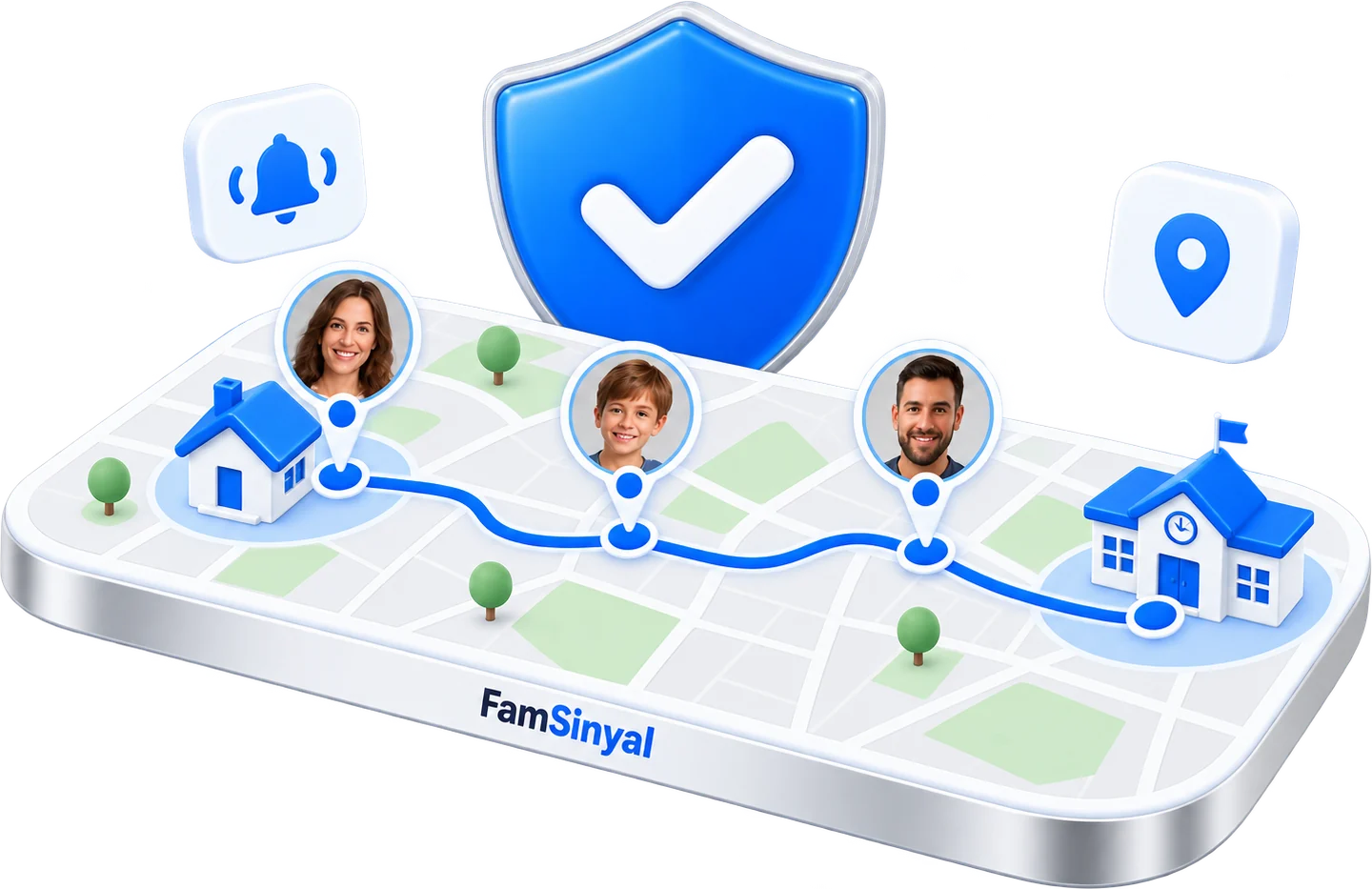
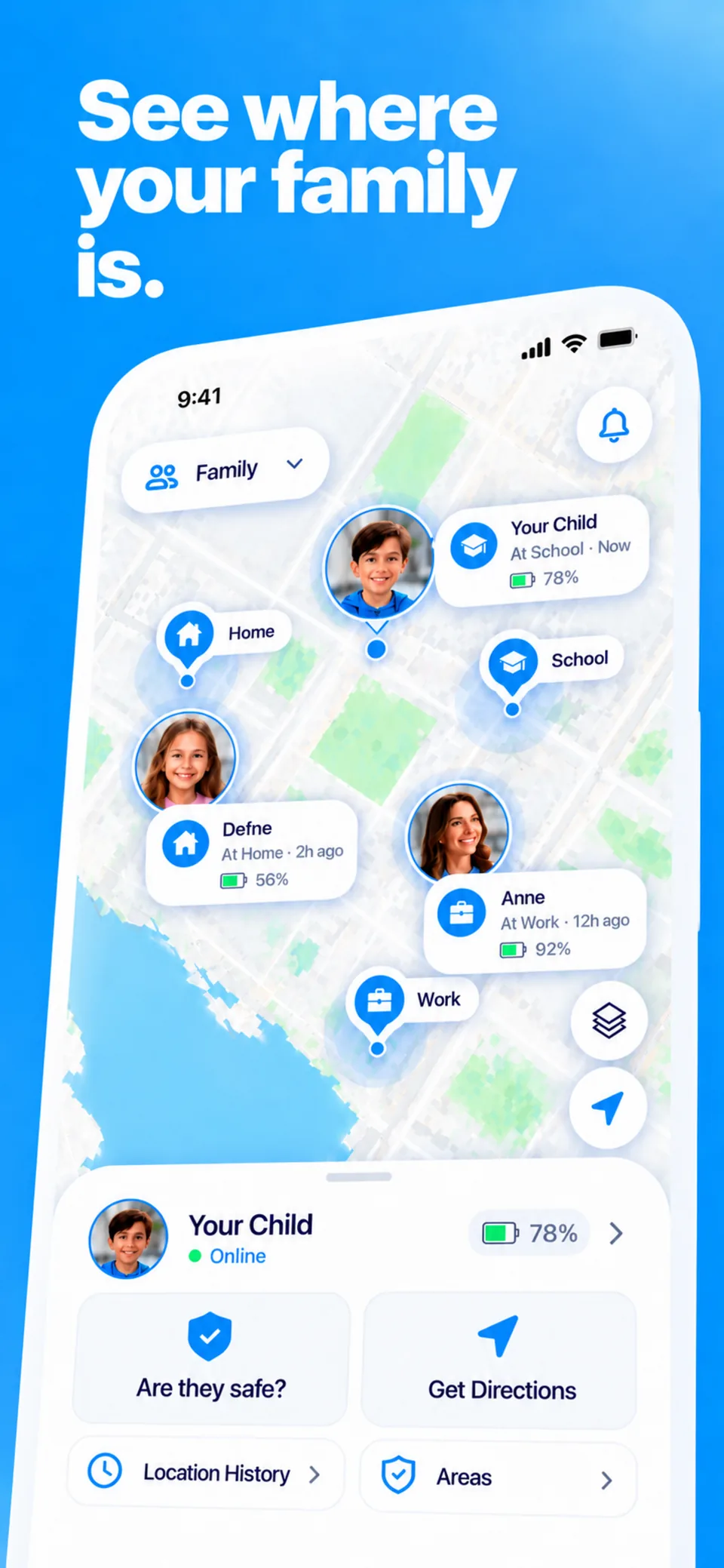
What you actually see in the app
No dashboards full of numbers. One screen that answers the question you actually have.
- Last reported location on the map, with the time it arrived and roughly how accurate it is.
- Device status battery level, whether the phone is online, and whether location permission is still granted.
- SOS alerts which stay open until you resolve them, so they can't be missed in a busy notification list.
- Location history for the last 30 days, deleted automatically after that.
Open setup, four simple steps.
Create your account
Sign in on your own phone and create your family.
Install on your child's phone
The same app, with “this is my child's device” selected during setup.
Enter the one-time code
Pairing requires physical access to the phone and a code that works once.
Grant permissions together
Location and notification permissions are requested visibly, on the child's phone, with your child present.
What we don't do
A family safety app should be judged as much by what it refuses to collect as by what it shows.
- No hidden or invisible mode — the child's phone shows that sharing is on
- No reading of messages, calls or contacts
- No microphone or camera access
- No adult secretly monitoring another adult
- No locating people by phone number
- No selling your data, and no advertising
Latest guides
How FamSinyal Works: Last Reported Location, Explained
See exactly how FamSinyal works: the child's phone reports, you see the last known spot with a timestamp and accuracy. No live tracking, no hidden mode.
Guide · SetupGetting Started with FamSinyal: Set Up in 10 Minutes
A step-by-step guide to setting up FamSinyal: install, pair with a one-time code, add a safe zone, and test it — plus common snags and fixes.
Guide · PricingIs FamSinyal Free? The Free Plan vs Premium
Is FamSinyal free? Yes — see exactly what the free plan covers, what Premium adds, and how the 7-day free trial works before you decide.
Guide · SafetyIs FamSinyal Safe? How Your Family's Data Is Protected
Is FamSinyal safe to use? See exactly what data it collects, how long location history is kept, and what happens if you delete your account.
Frequently asked questions
Does FamSinyal show my child's location in real time?
No, and we deliberately avoid that wording. What you see is the last location reported by your child's device, shown together with the time it was captured and its approximate accuracy. If the phone is offline, has a flat battery or has lost its location permission, the last known point stays on the map — and the app tells you how old it is instead of pretending it is current.
Can my child tell that location sharing is on?
Yes. That is a design decision, not an oversight. Pairing requires physical access to the phone and a one-time code, and the child's phone shows an ongoing indicator that location reporting is active. There is no hidden mode and we will not add one.
Does FamSinyal read messages or listen through the microphone?
No. FamSinyal does not read messages, calls or contacts, and does not use the microphone or camera. It works with location, battery and connection status only.
Is FamSinyal an emergency service?
No. FamSinyal is not an emergency service and does not dispatch responders. In an emergency call your local emergency number first. FamSinyal's role is to let you know something happened and show you the last reported location.
How much does it cost?
The app is free to download. Full access is offered as an auto-renewable subscription, and the price and billing period are always shown on the purchase screen inside the app before you buy — they follow your own store's currency and region.
Knowing where they are is what settles your mind.
FamSinyal doesn't promise to watch everything. It answers one question well, and tells you honestly when it can't.